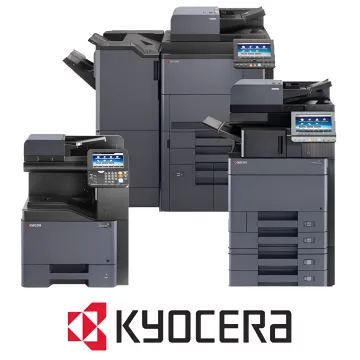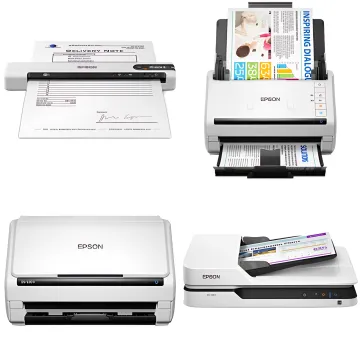
Kyocera Scanners
- OCR creates searchable, editable docs
- Syncs with SharePoint, Drive & Box.com
- Seamless Kyocera MFP integration

Authorized Kyocera Dealer
BLI Pick Award – Keypoint Intelligence
Kyocera Document Scanners offered by Supreme Office Technology deliver powerful digitization and workflow automation for Connecticut businesses. Featuring OCR capability, cloud storage integration with platforms like SharePoint, OneDrive, Google Drive, and Box.com, these scanners support seamless document management across enterprise and business environments.
To scan a document on a Kyocera printer, place your document on the glass or in the document feeder, then select the Scan function on the control panel. Choose your destination — email, folder, USB, or cloud storage — configure settings like resolution and file format, and press Start. Supreme Office Technology provides user training to help your team get up to speed quickly.
Talk to our experts for custom solutions and tailored guidance.
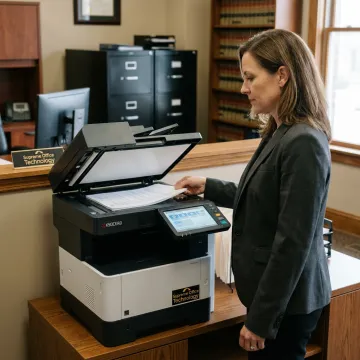
Digitize contracts, case files, and correspondence with OCR and secure cloud storage integration for law firms.
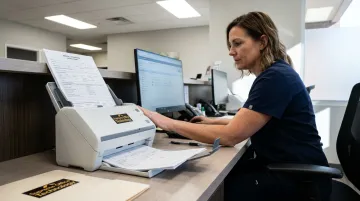
Scan patient records and medical forms to secure cloud platforms, supporting compliance and efficient record management.
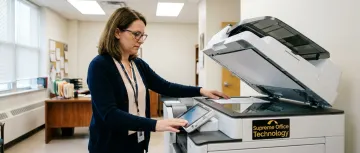
Streamline administrative document workflows and digitize student records with cloud-integrated Kyocera scanning solutions.
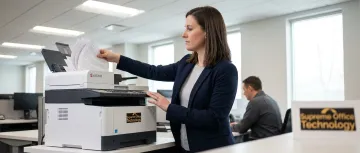
Automate document workflows and integrate scanned files with enterprise content management systems across departments.
Talk to our experts for custom solutions and tailored guidance.
Since 1982, Supreme Office Technology has helped Connecticut businesses select, deploy, and maintain the right document scanning solutions for their needs.
As an authorized Kyocera dealer, we provide installation, user training, IT support, and maintenance service plans to keep your scanners running at peak performance.
Choose to purchase, lease, or rent your Kyocera scanner with quick service response times and local, personalized support backed by Fortune 500 resources.
Submit your details and our team will respond promptly with pricing, product recommendations, and a no-obligation office technology assessment.
For immediate assistance, feel free to give us a direct call at (203) 239-6511. You can also send us a quick email at info@supremeofficetechnology.com.
For immediate assistance, feel free to give us a direct call at (203) 239-6511. You can also send us a quick email at info@supremeofficetechnology.com.